Employees
Manage Employees
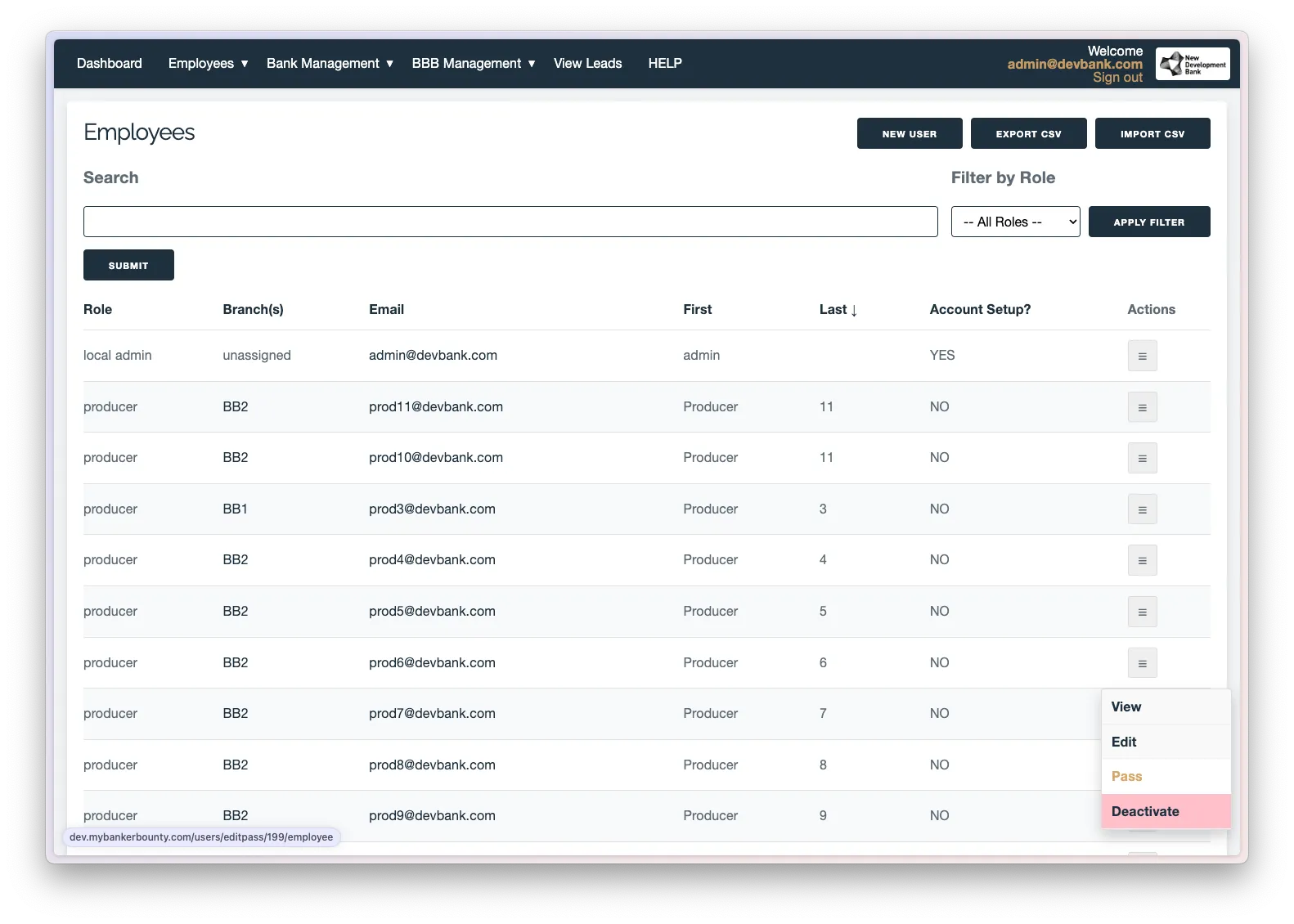
Manage Employees: View, edit, or deactivate users. Reset passwords by clicking the “Pass” item in the overflow menu. View all leads submitted or assigned to a user by selecting the “View” item. Reactivate deactivated users by clicking the “Reactivate” item in the deactivated users view.
Send Push Notifications
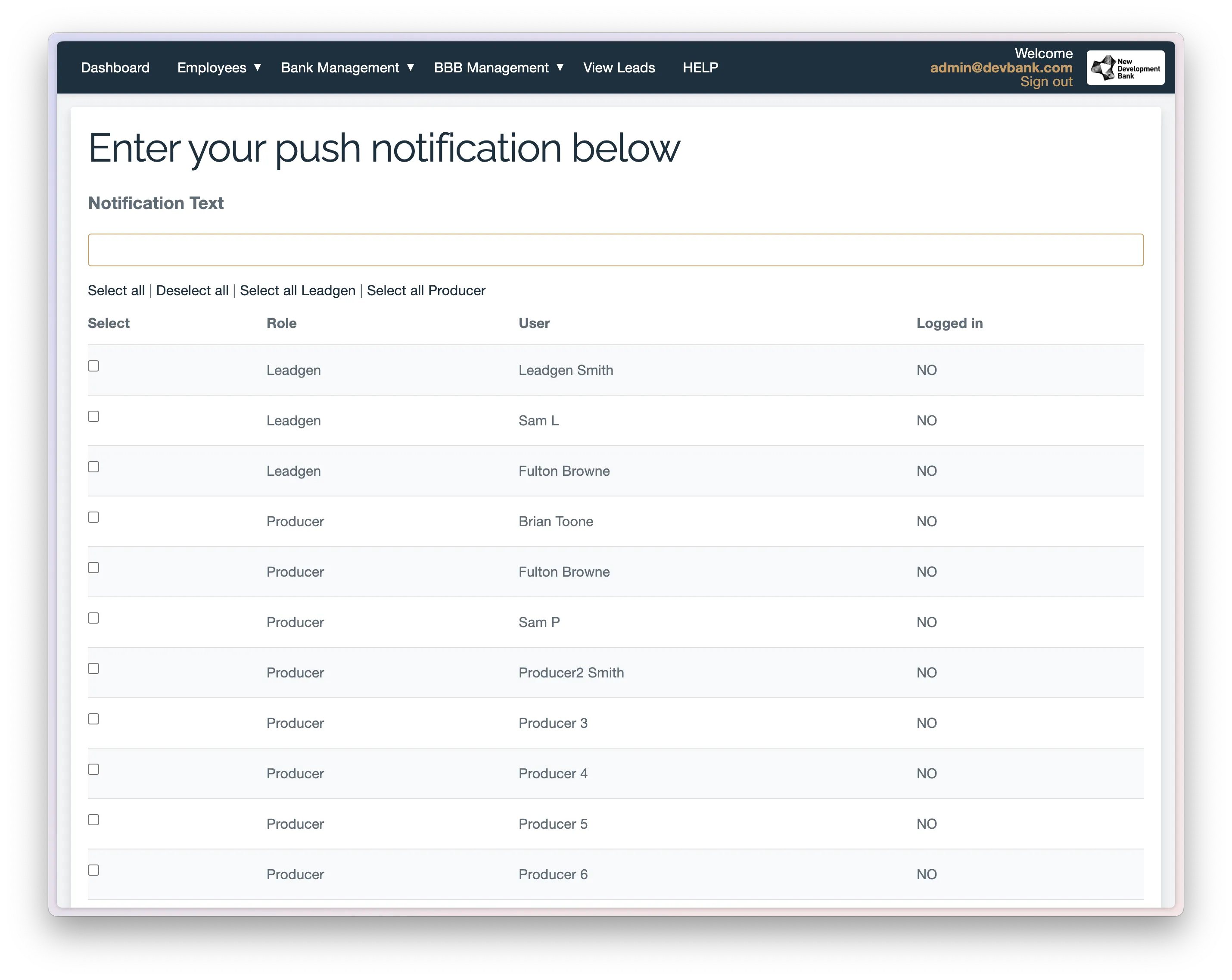
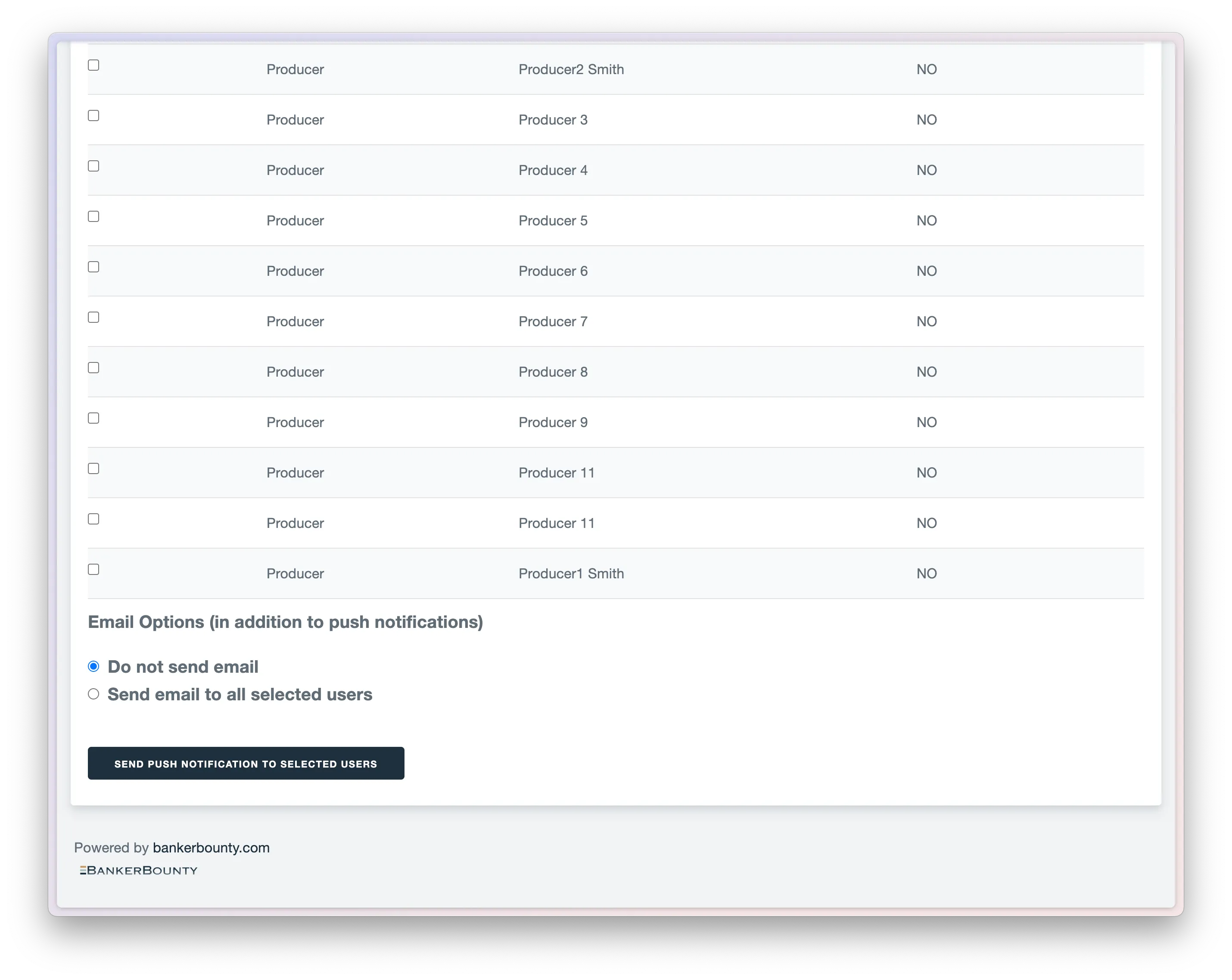
On the Push Notifications page, you will see a list of all users. Only logged-in users can receive notifications. To send a message to all users, click “Send email to selected users” at the bottom.