
Bank Management
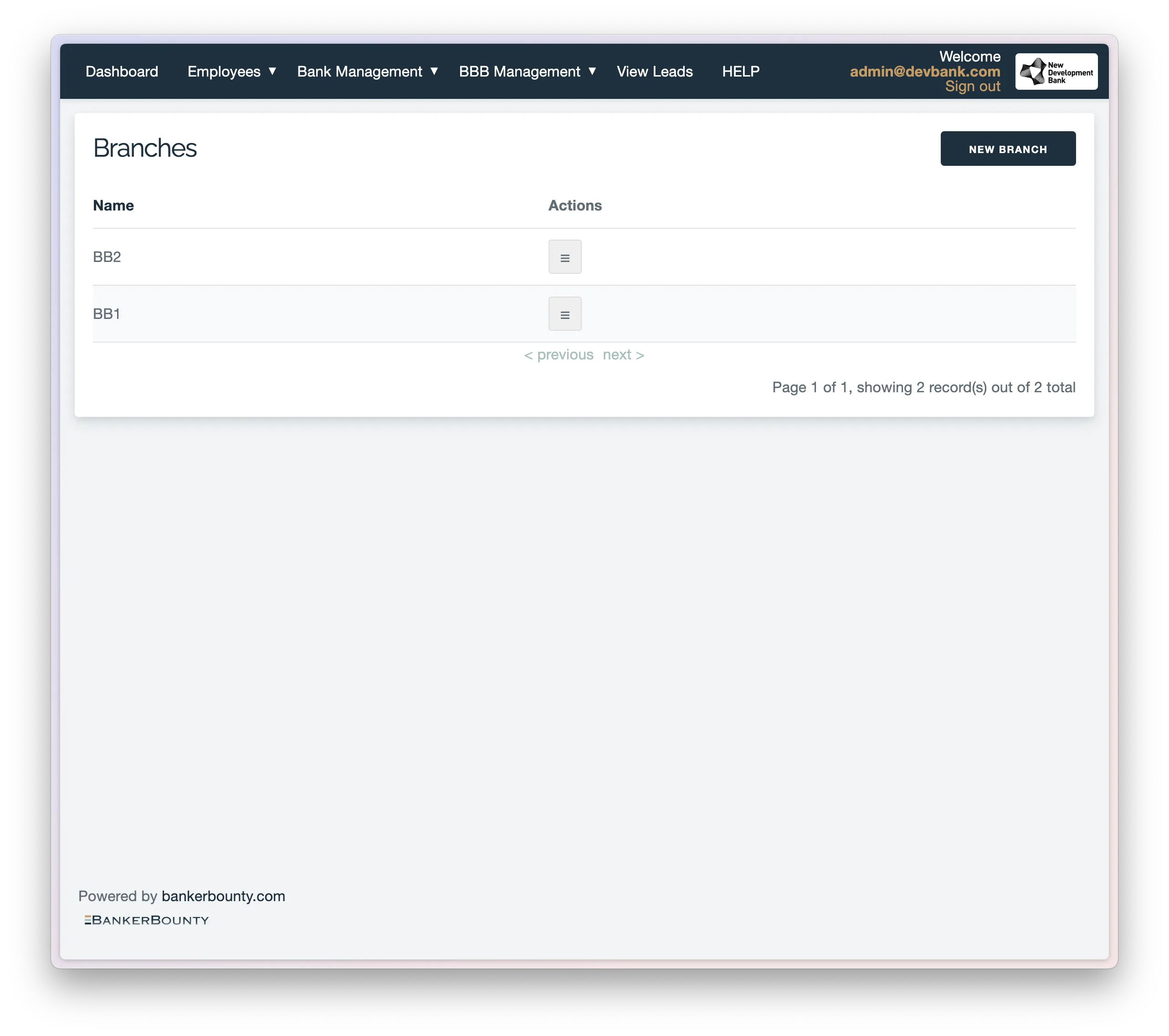
Manage Branches
Add or delete branches. Assign producers to specific branches. Click the view button for a branch to see all producers assigned to it.
Manage Reward Structure
Create Reward Categories
The “Reward Type Categories” section holds all the account types you want your leadgens to submit. If you want to award a different amount of bucks for a specific account type within a broader category, you will need to add that specific account type to the list. To add a new category: Click the “New Category” button. Enter the name of the account type you want to add. Click “Submit”. If you want to change where the newly added category is displayed in the list, enter a valid display order number. You can also set “require account amount from producer” to true if you want to require the producer to enter an account amount when submitting a lead, and “require UID” to true if you want to require the producer to enter a UID when submitting a lead.
Edit Reward Structure
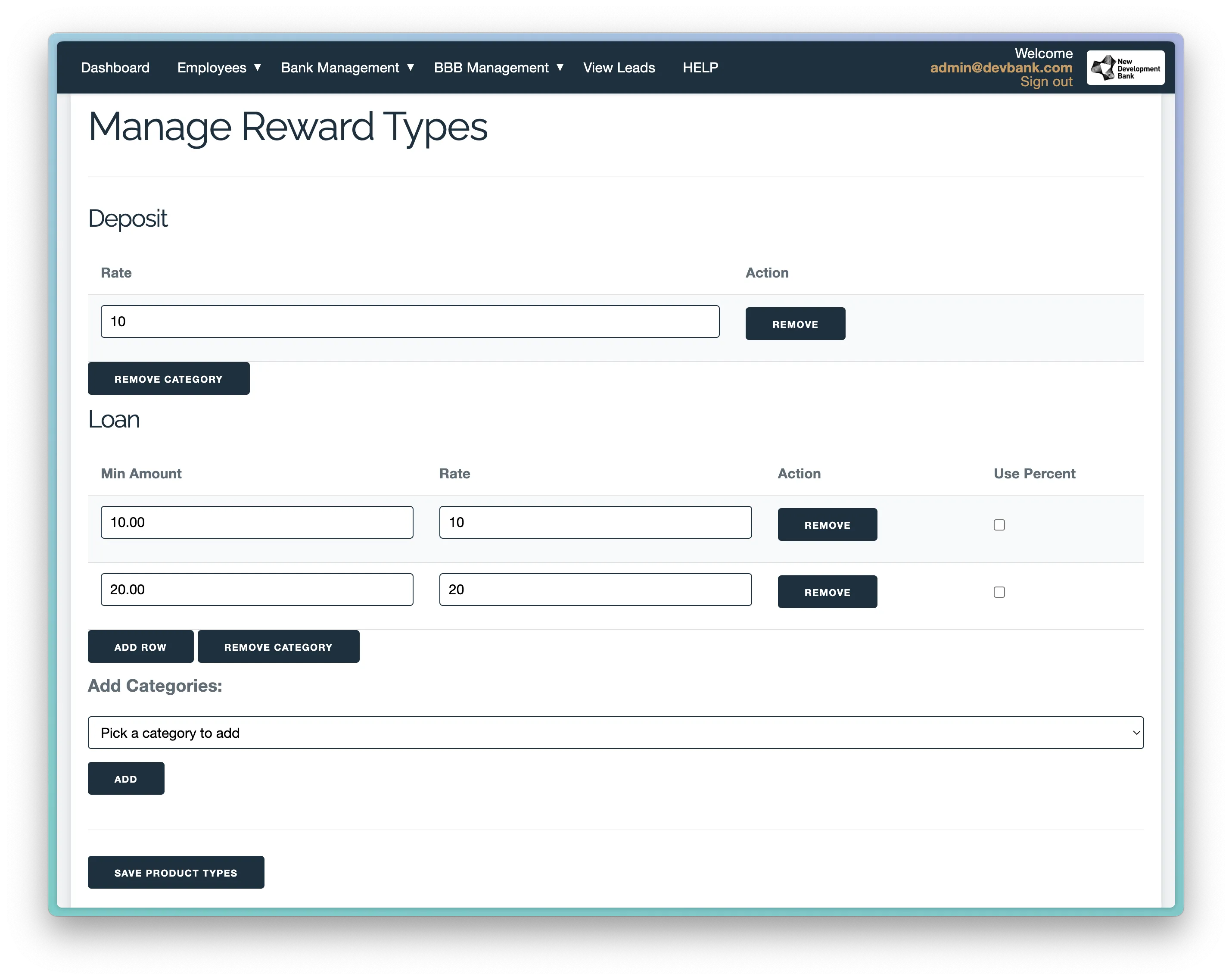
On the Rewards Structure page you can view the reward structure for incoming leads by category. If you want to edit it click “Edit Reward Structure” and you will be taken to an interactive page where you can change the reward structure for each category.
Here are some key points when operating the page.
- If you do not see a category that you’ve created that just means it has no rules set up for it yet, go to the bottom of the page in the “Add Category” section, pick it from the drop down and click “Add Category”.
- If an account ammount is not required for a category you will only be able to set one fixed reward amount.
- If an account ammount is required for a category you will be able to set any number of rule, each with a minimum amouunt and either a fixed reward amount or a reward percentage with a cap.
- Be sure to click “Save” after making changes.
Reports
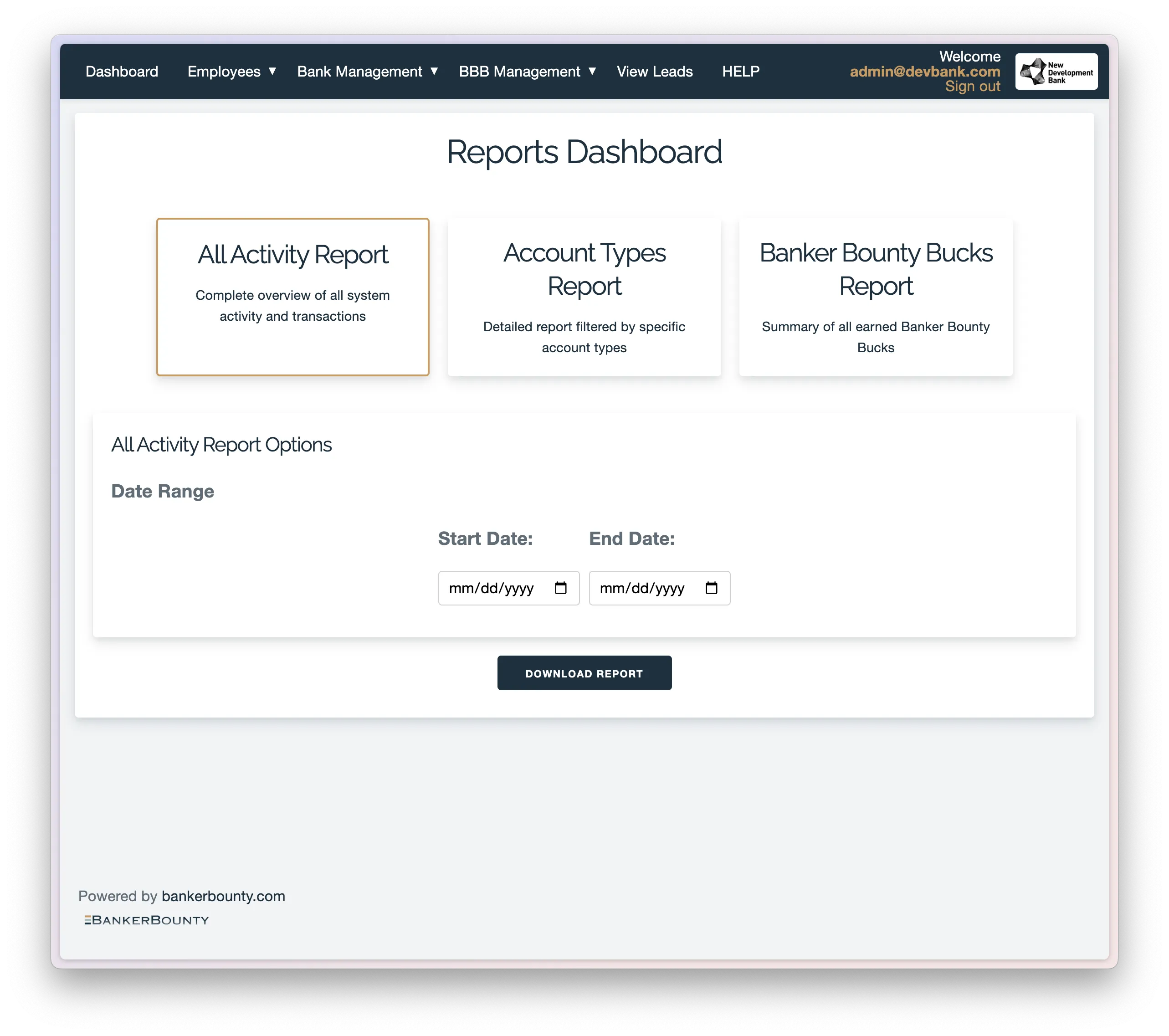
On this page, you can download reports for all referrals that met criteria and see which employees earned bucks for the specified pay period. You can constrain based on date and download with the click of a button.
Update docs tab
Upload any PDF file, like a rate sheet or promotional incentive, for employees to reference within the app.
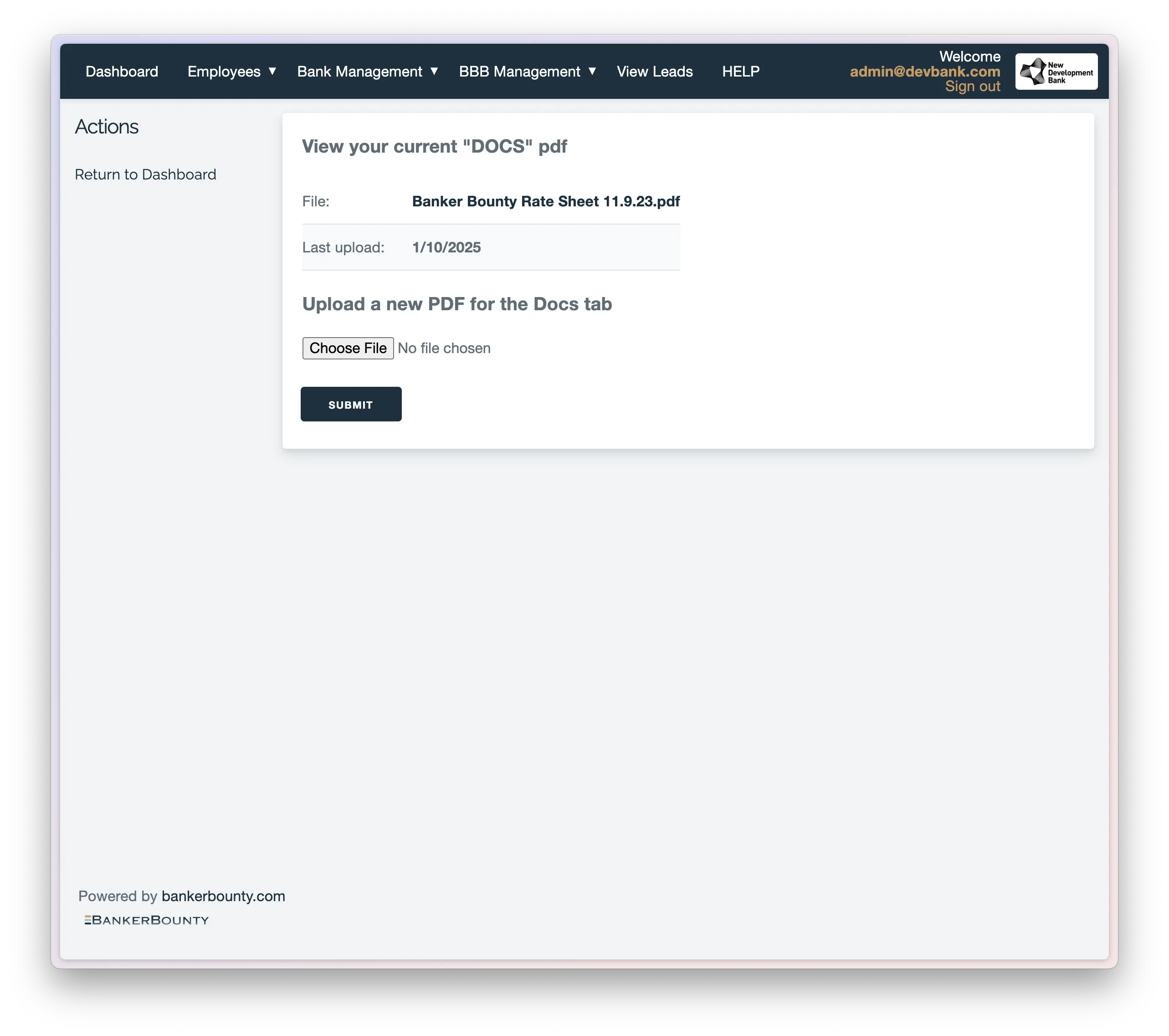 This can also be updated in one click from the home dashboard.